
The Free, Open-Source Alternative to ElevenLabs Is Here
30 languages, 48kHz output, context-aware prosody. Design any voice from text. Clone from a short clip with style guidance. No language tags. Everything runs locally. Free for commercial use.
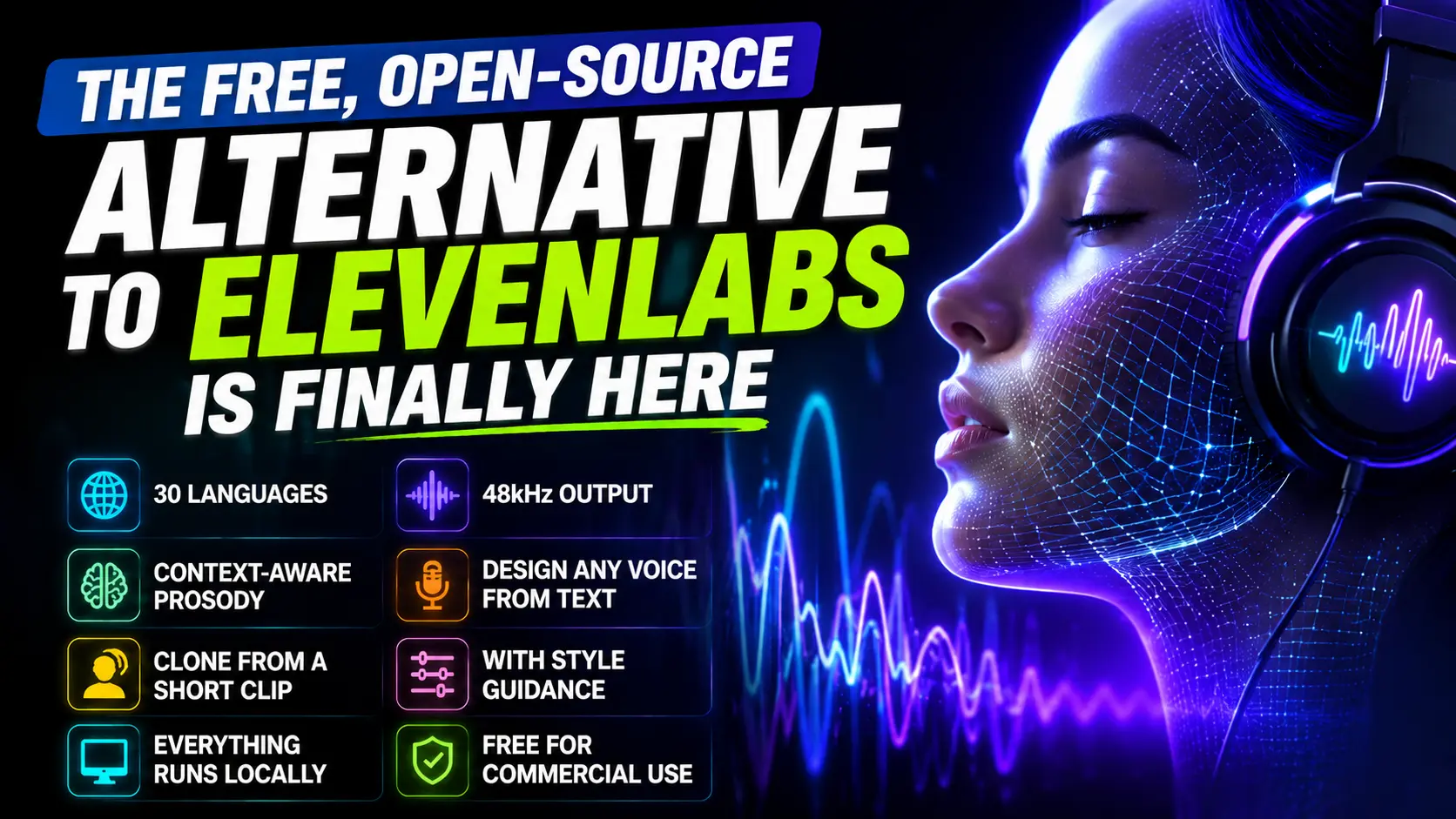
Recently, the OpenBMB team released the latest VoxCPM2 model, which has 2B parameters, supports voice cloning, voice design, and high-quality speech synthesis, and supports 30 mainstream languages, including English, Chinese, Japanese, Korean, German, and French.
VoxCPM2 Features
Supports 30 languages, no language tags required, direct input of text in any supported language.
Supports voice design, input natural language descriptions to generate new voices without reference audio.
Supports voice cloning, with style guidance to control emotion, pace, and expressiveness.
Supports generating high-quality 48kHz audio.
If your work requires the use of ElevenLabs, you can continue reading the content below. By following these steps, you will be able to deploy a completely free TTS service locally. However, if you are looking for open-source alternatives to other popular paid software, you can visit the BestAlternative website, which features open-source substitutes for hundreds of popular software.
VoxCPM Architecture
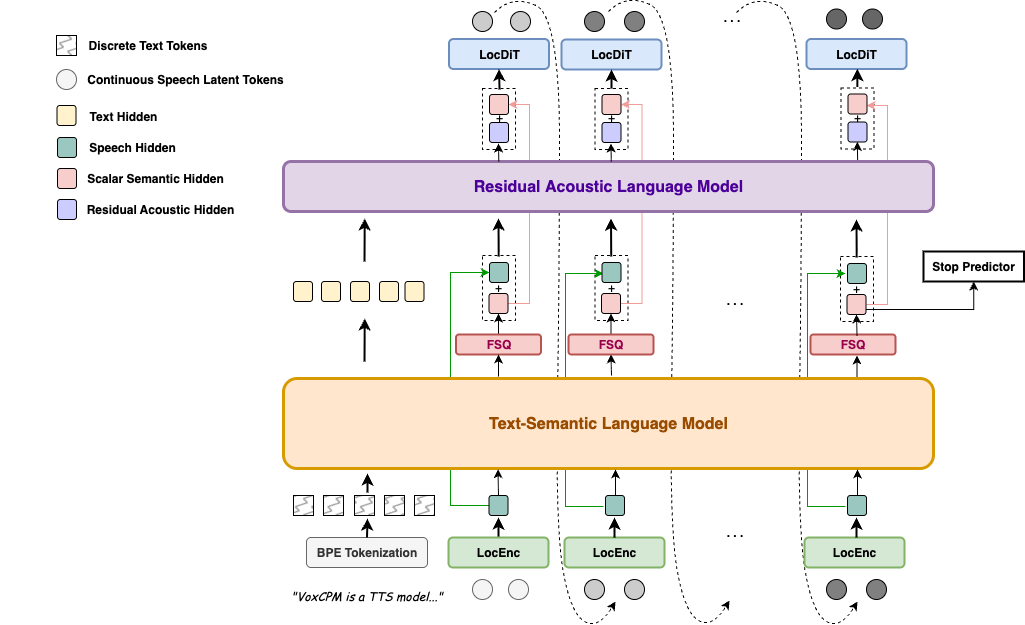
VoxCPM adopts a tokenizer-free, diffusion autoregressive architecture that models speech in continuous latent space rather than discrete tokens.
Local Deployment
The official VoxCPM2 documentation has detailed how to run VoxCPM2 models using PyTorch and CUDA. Next, I will introduce how to deploy VoxCPM2 models locally on macOS using mlx-audio.
1.Configure the virtual environment
uv venv .venv
source .venv/bin/activate
2.Install mlx-audio and soundfile
uv pip install "git+https://github.com/Blaizzy/mlx-audio" --prerelease=allow
uv pip install soundfile
3.Download the model.
You can download the corresponding quantization model based on your computer configuration and actual needs.
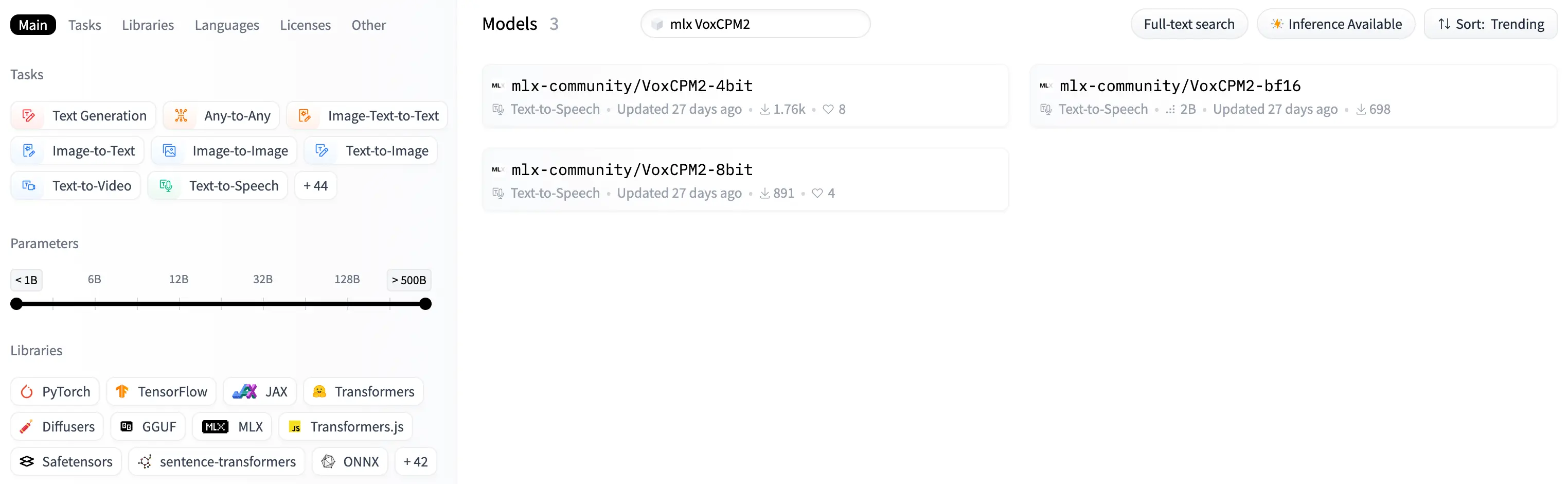
hf download mlx-community/VoxCPM2-4bit --local-dir ./models/VoxCPM2-4bit
# or
hf download mlx-community/VoxCPM2-8bit --local-dir ./models/VoxCPM2-8bit
# or
hf download mlx-community/VoxCPM2-bf16 --local-dir ./models/VoxCPM2-bf16
4.Zero-shot Generation
import numpy as np
from mlx_audio.tts.utils import load
from mlx_audio.audio_io import write as audio_write

MODEL_DIR = "models/VoxCPM2-8bit"
OUTPUT_PATH = "zero_shot.wav"
model = load(MODEL_DIR)

result = next(model.generate("Hello, this is VoxCPM2 on Apple Silicon."))
audio_mx = result.audio

audio_write(
    str(OUTPUT_PATH),
    np.array(audio_mx),
    model.sample_rate,
    format="wav",
)
It should be noted that if the text to be synthesized contains parentheses, it needs to be escaped; otherwise, the speech cannot be synthesized correctly.
5.Voice Design
import numpy as np
from mlx_audio.tts.utils import load
from mlx_audio.audio_io import write as audio_write

MODEL_DIR = "models/VoxCPM2-8bit"
OUTPUT_PATH = "voice_design.wav"
model = load(MODEL_DIR)

result = next(model.generate(
    text="Hello, welcome to VoxCPM2.",
    instruct="A young woman, warm and gentle voice",
))
audio_mx = result.audio

audio_write(
    str(OUTPUT_PATH),
    np.array(audio_mx),
    model.sample_rate,
    format="wav",
)
6.Voice Cloning
import numpy as np
from mlx_audio.tts.utils import load
from mlx_audio.audio_io import write as audio_write

MODEL_DIR = "models/VoxCPM2-8bit"
OUTPUT_PATH = "voice_cloning.wav"
model = load(MODEL_DIR)

result = next(model.generate(
    text="Hello, this is VoxCPM2 on Apple Silicon.",
    ref_audio="lisa.wav",
))
audio_mx = result.audio

audio_write(
    str(OUTPUT_PATH),
    np.array(audio_mx),
    model.sample_rate,
    format="wav",
)
7.Ultimate Cloning
For scenarios involving the production of long-form content such as audiobooks, you need to provide both reference audio and the corresponding transcribed text to ensure consistency.
import numpy as np
from mlx_audio.tts.utils import load
from mlx_audio.audio_io import write as audio_write

MODEL_DIR = "models/VoxCPM2-8bit"
OUTPUT_PATH = "ultimate_cloning.wav"
model = load(MODEL_DIR)

result = next(model.generate(
    text="2B-parameter multilingual tokenizer-free TTS model with 48kHz studio-quality output. Supports zero-shot generation, voice design, voice cloning, and continuation for long-form speech. 30 languages including English, Chinese, Indonesian, Japanese, Korean, and more.",
    prompt_text="VoxCPM2 is a tokenizer-free, diffusion autoregressive Text-to-Speech model",
    prompt_audio="lisa.wav",
))

audio_mx = result.audio

audio_write(
    str(OUTPUT_PATH),
    np.array(audio_mx),
    model.sample_rate,
    format="wav",
)
Summary
VoxCPM2 is a powerful TTS model. If you have speech synthesis needs, you can evaluate its capabilities. If it doesn't meet your needs, you can test Qwen3-TTS, which offers 0.6B and 1.7B sizes and supports 10 mainstream languages including English, Chinese, Japanese, Korean, German, and French. It also supports speech synthesis, voice design, and voice cloning, but you'll need to switch between different models.